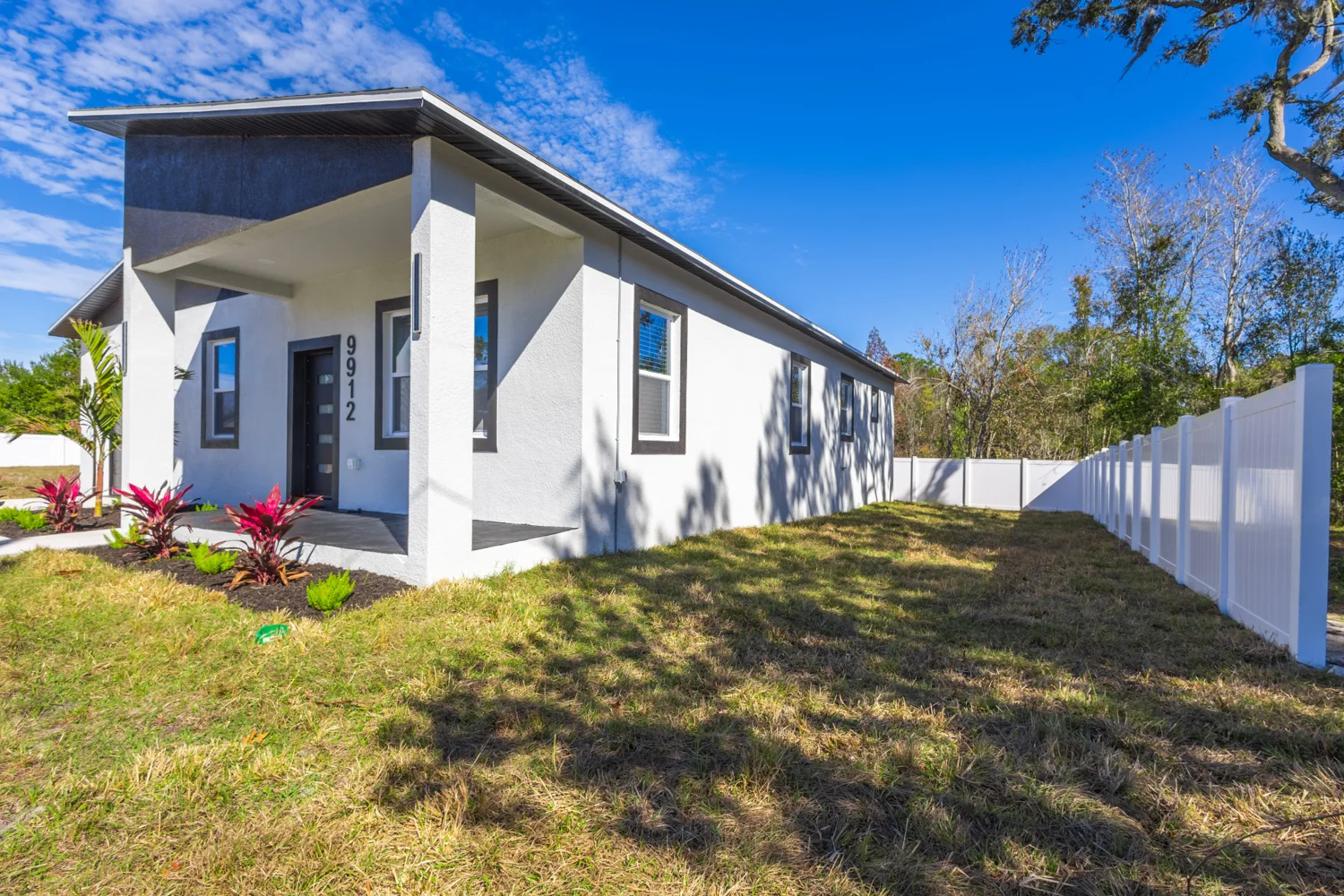
Quick answer: Florida buyers often ask about a home’s storm protection, so features like impact-rated windows and doors, shutters, a newer roof and a generator are worth showing clearly. Photograph each one plainly, with close-ups where a detail is hard to see, and back up any claim in the listing with paperwork such as permits or inspection reports. A photo can show that a feature is there; it can’t prove how it’s rated.
In Tampa Bay, a buyer looking at a house isn’t only picturing sunny afternoons. Many are also thinking about hurricane season, insurance and what happens when a storm is on the way. Features that protect a home from wind and water can matter to them as much as a renovated kitchen, yet they’re often missing from the listing photos.
This guide covers which features are worth photographing, how to show them clearly, and how to keep the photos accurate.
Why storm features matter to Florida buyers
The Atlantic hurricane season runs from June 1 to November 30, according to NOAA’s National Hurricane Center. For several months each year, how well a home is built to handle wind is on many buyers’ minds.
Florida law reflects that. Under section 627.0629 of the Florida Statutes, residential property insurance rate filings must include discounts, credits or other rate differentials for homes with fixtures or construction techniques shown to reduce windstorm losses. The features it names include roof strength, roof-to-wall strength, opening protection, and stronger windows, doors and skylights.
Whether a particular home qualifies, and for how much, is between the owner and their insurer. But it explains why buyers often look for these details, and why it helps to show them.
Features worth photographing
- Impact-rated windows and doors: a wide shot of the room or elevation, plus a close-up of any permanent label or etching on the glass, if there is one.
- Storm shutters: roll-down, accordion or panel systems, photographed in place or neatly stored, with the tracks or anchors visible.
- Garage door: the door itself, and any bracing or rating label if present, since a garage door is one of the largest openings in a home.
- Roof: a clear exterior view of the roofline. A drone photo can show the roof covering and its condition from above.
- Generator: a whole-house or standby generator, with its location relative to the house.
- Elevation and drainage: the height of the home above the yard or street, if it’s a meaningful feature for the property.
Not every home has these features, and that’s fine. The goal is to show what’s really there, not to make a house seem more protected than it is.
How to photograph them clearly
Storm features are easy to miss in a normal set of listing photos. A few habits help:
- Pair a wide shot with a detail shot. The wide shot shows where the feature is; the close-up shows what it is.
- Keep labels readable. If a window or garage door has a permanent rating label, photograph it straight on and in focus.
- Show shutters the way they’re used. If the home has panels, a photo of them labeled and stored in the garage can be more useful than leaving them up during the shoot.
- Choose good light for the roof. Our guide to the best time of day for listing photos covers how to plan around the sun.
Detail photos usually work best later in the gallery, after the main rooms. The opening photos should still sell the home itself; our guide to choosing the first photo explains why.
Keep claims accurate
A photo can show that a window, shutter or generator exists. It can’t show its rating, when it was installed or whether it was permitted. Those details belong in the listing description, and only when there’s documentation to back them up, such as permits, product approvals or an inspection report.
Editing should never add or hide a storm feature. Removing a damaged section of roof, or making ordinary windows look like impact glass, misleads buyers. Our article on ethical photo editing covers where the line is.
Timing around hurricane season
If a storm is approaching, shutters may be up and yards cleared. Photos taken then can make a home look closed in and dark. Where possible, schedule photos when the shutters are open and the yard is back to normal, and update the gallery if storm preparations or repairs change how the home looks.
Vacation rentals
Guests booking a Florida stay during hurricane season sometimes look for the same reassurance. If a rental has impact windows, shutters or a generator, a clear photo with a plain caption can answer a question before it’s asked. As with any amenity, only show what guests will actually have.
Storm features checklist
- List the storm features the home actually has.
- Gather the paperwork that supports any rating or install date.
- Plan a wide shot and a detail shot for each feature.
- Make sure any rating labels are clean and readable.
- Store or open shutters so rooms look as they normally do.
- Place detail photos after the main room photos.
- Describe ratings in the listing only when documentation supports them.
Storm protection is part of what a Florida home offers. Showing it clearly and honestly answers real questions for buyers and guests.